A keepsake journal for Android

Keep the little things they say.

Toddlers say the most wonderful things, and then they grow out of them. Toddlore keeps the quotes, the funny mispronunciations, the first words, the photos and the little voices before they're gone. It takes seconds, and it all stays on your phone.

Coming soon toGoogle Play Get it on Google Play

For Android 8 and newer. No account, no ads.

Toddlore's Today screen for a child called Mila, 3 years and 7 months old: buttons to keep a quote, a word, a photo, a voice recording or a note, and today's idea, “Three wishes”.
The moon is following our car. It likes us.
Mila, 3 years, 7 months 0:02

Everything worth keeping, in a few taps

Tap, type what they said, done. Or answer the evening reminder straight from the notification, without opening the app. Every moment keeps its date and how old they were.

“Is the rain having a bath?”

Looking out of the window at nursery pickup

Oct 3 · 3 years, 5 months0:02

Quotes. Word for word, little mistakes and all, with a recording of them saying it.

pasghetti

means “spaghetti”

Nov 17 · 3 years, 7 months

Words. The way they say them, and what they mean.
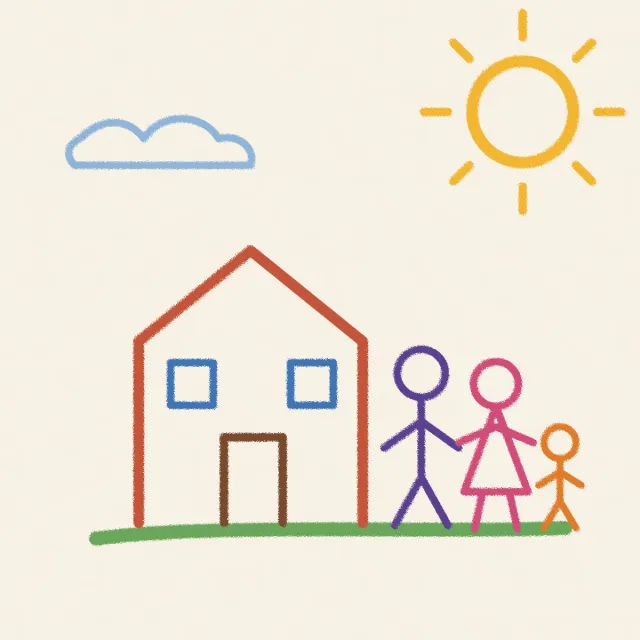
A crayon drawing of a house, a sun and three people holding hands.

Our house, and all of us holding hands

Nov 14 · 3 years, 7 months

Photos and videos. From the camera or your gallery. Videos stay in your gallery; Toddlore keeps a still frame and a link.

The goodnight song, all of it

Nov 1 · 3 years, 6 months0:48

Voice. Recordings of how they sound right now. Nothing turns them into text.

Sang the whole goodnight song without any help for the first time, then asked to sing it again, louder.

Nov 1 · 3 years, 6 months

Notes. For everything else: a first time, a funny day, a new habit.

Keep moments for several children, each with their own. Now and then an old one comes back from the memory box.

Ideas

Gentle prompts, not homework

142 small ideas for things to ask, notice and capture, matched to your child's age from the first weeks to six years. Some come back six months later, so you can see how an answer changed.

  • Ask them: questions whose answers you'll want word for word.
  • Capture: little things to photograph or record before they change.
  • Together: small things to do side by side, then jot down.

No streaks, no scores, no guilt.
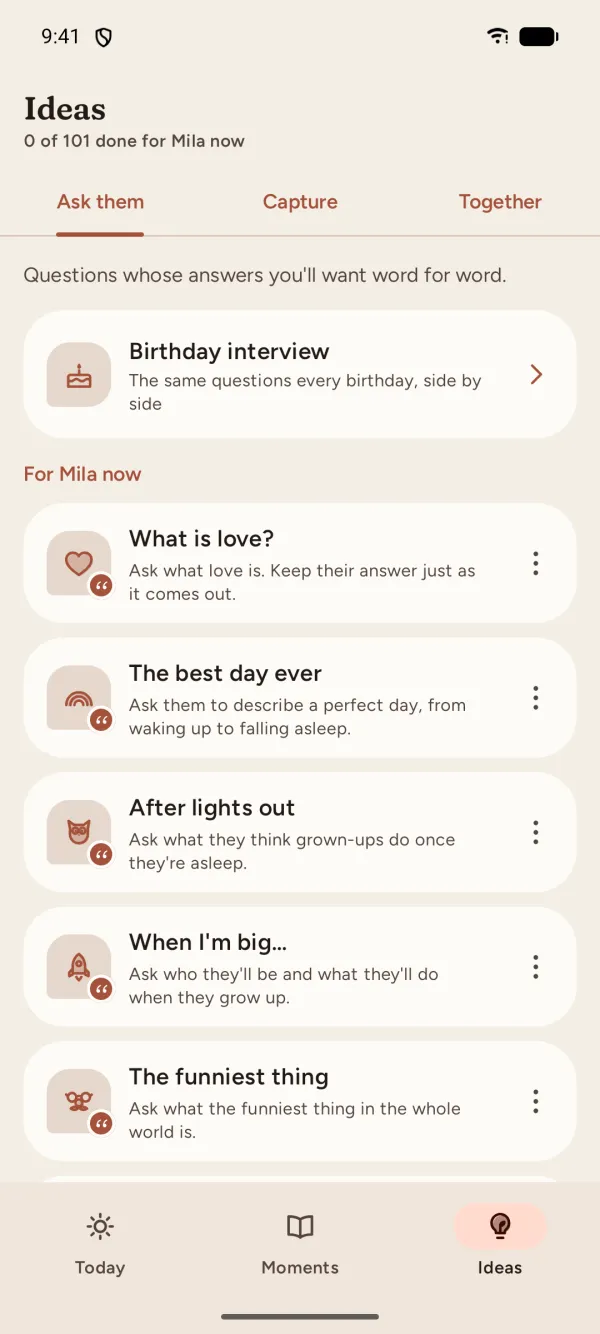
The Ideas screen: questions to ask Mila now, such as “What is love?”, “The best day ever” and “When I'm big…”, with the birthday interview at the top.
Birthday interview

The same ten questions, every birthday

From their second birthday, ask the same ten questions every year: favorite food, best friend, what they want to be when they grow up. Then read the answers side by side as they grow.

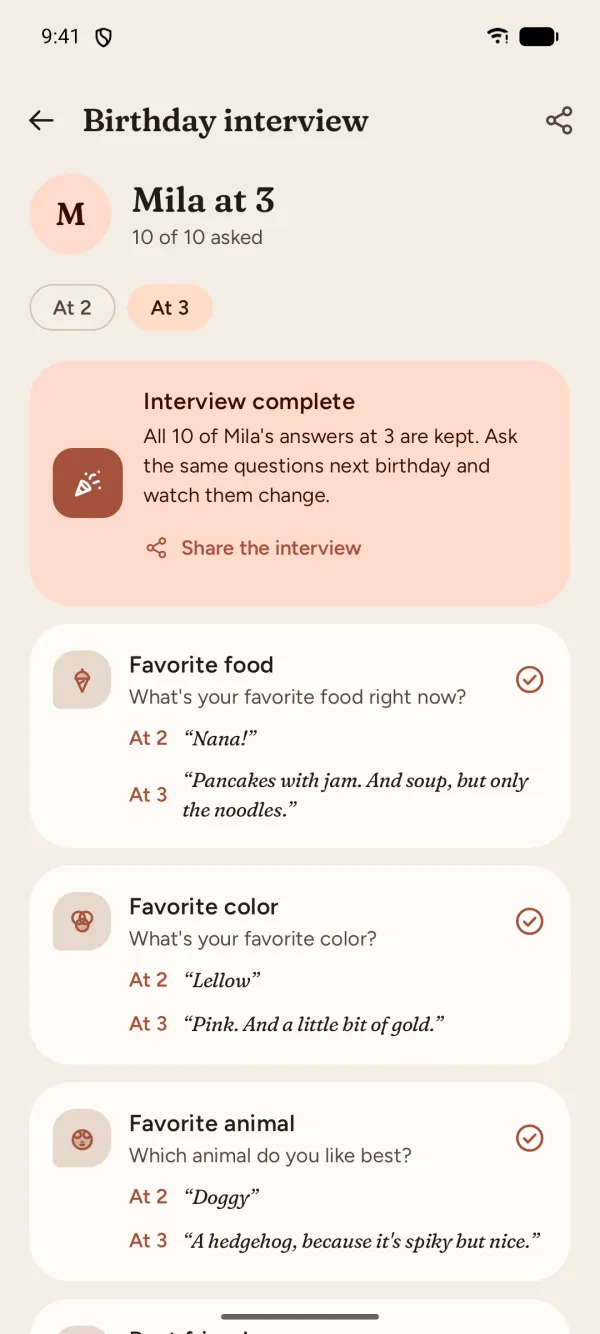
Mila's birthday interview at 3, all ten questions answered. Favorite food: at 2, “Nana!”; at 3, “Pancakes with jam. And soup, but only the noodles.”
Picture cards

Share them beautifully

Turn any moment into a picture: fifteen designs in soft colors, square, portrait or story size. Made for the grandparents, the family chat or your feed, and signed with a small, quiet Toddlore you can switch off.

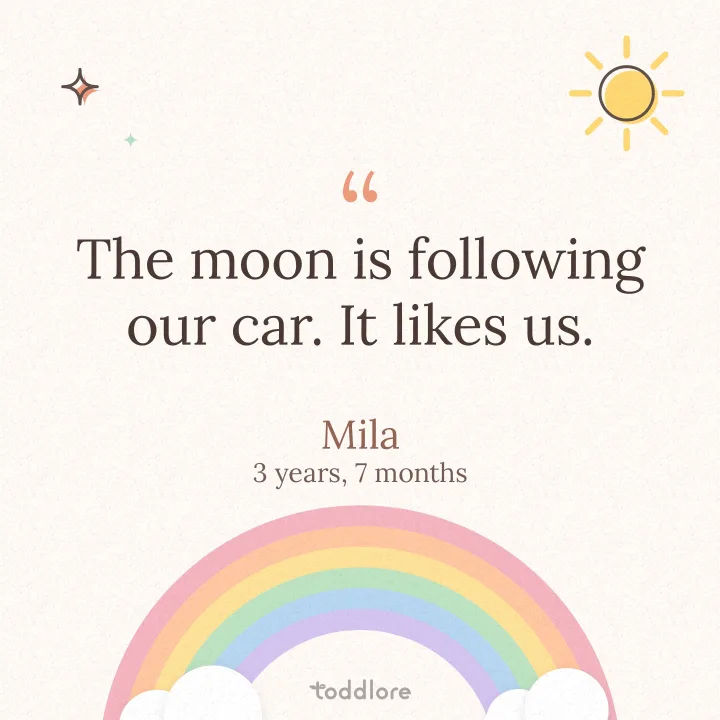
  • A card with a pastel rainbow: “The moon is following our car. It likes us.” Mila, 3 years, 7 months.
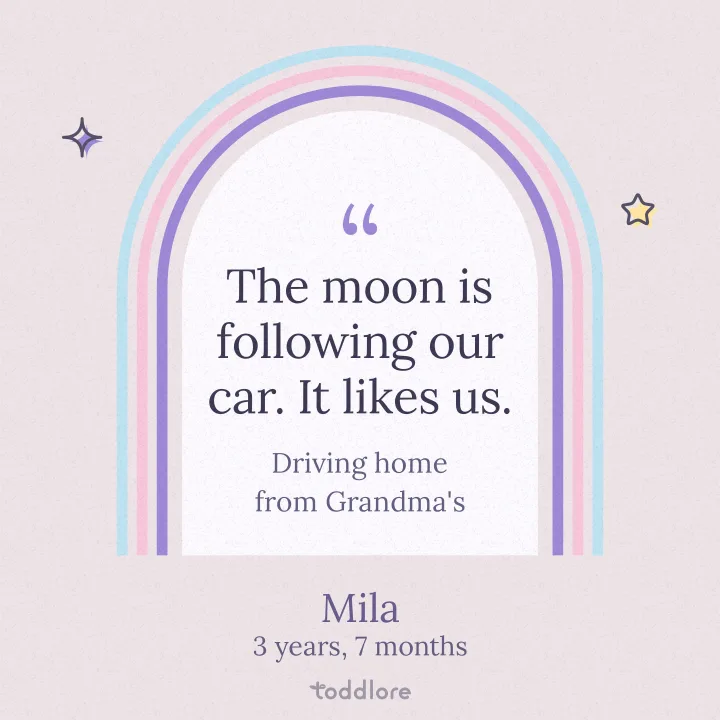
  • The same quote inside a lavender arch, with “Driving home from Grandma's” underneath.
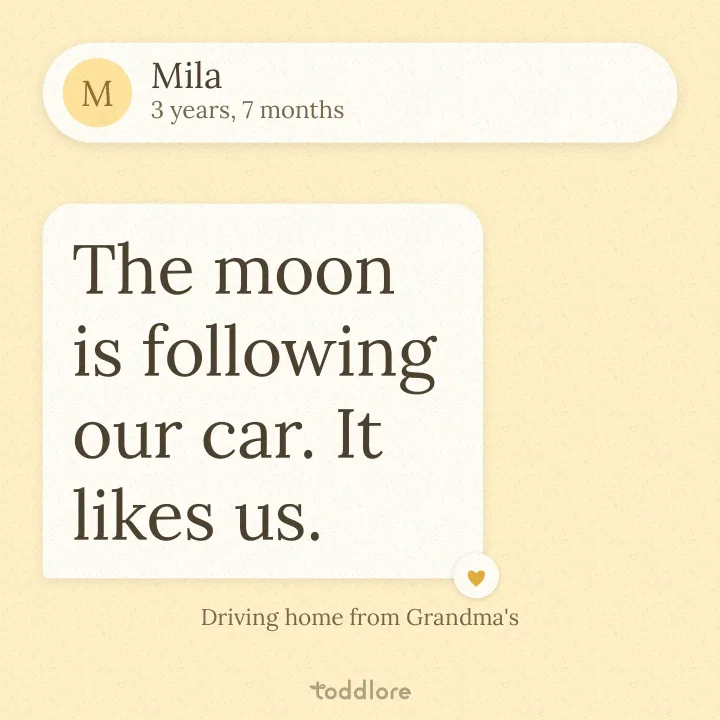
  • The same quote as a chat message from Mila on a butter-yellow card.
Recaps

Their week, set to music

A week with a few moments becomes a short video on Sunday evening: their photos, their words on pretty cards and their own voice, set to cheerful music written for the app. A monthly one arrives on the 1st.

Share it as a video or a set of pictures, save it, or switch recaps off.

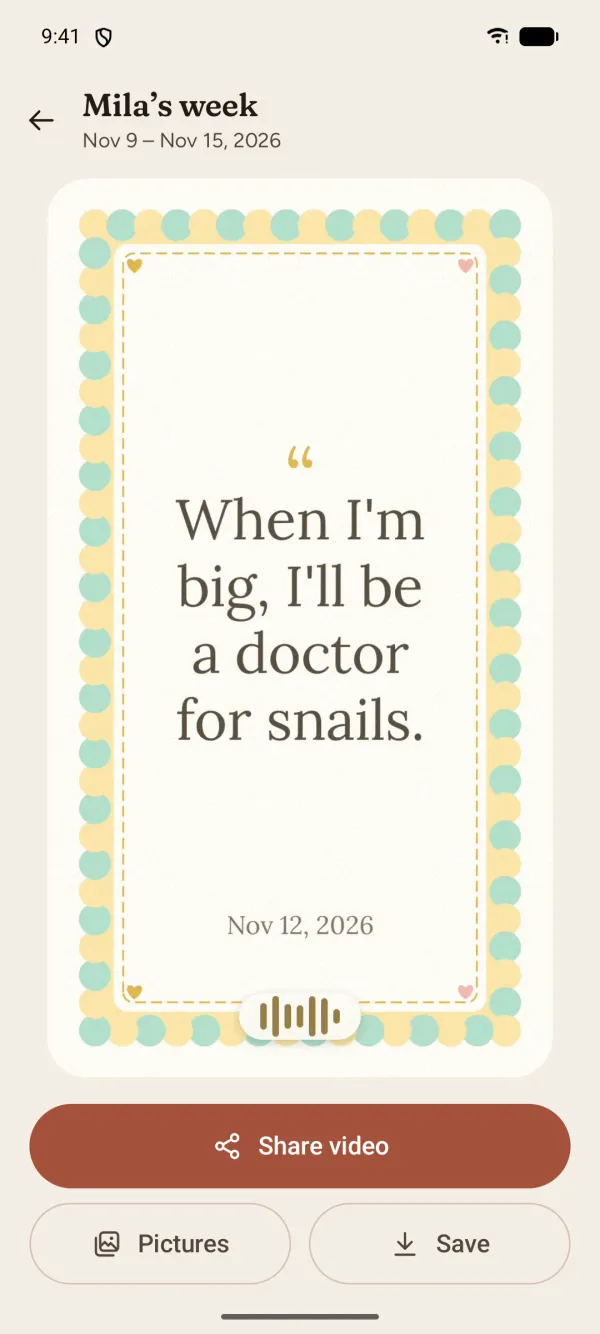
Mila's weekly recap playing: a card that says “When I'm big, I'll be a doctor for snails.”, with a sound wave for her recording.

Both parents, one collection

Pair two Android phones once with a QR code, and your moments sync over your home Wi-Fi, encrypted, phone to phone. No accounts, no servers, nothing in between.

Backups you control

Back up every day to your own Google Drive, into a private folder only Toddlore can open. Or save a backup file whenever you like, and keep it wherever you want.

Yours, and only yours.

Toddlore is built so your moments stay on your phone. We, the people who make it, never receive your moments, your child's details or anything else you put in the app.

  • No accountOpen the app and start. There's nothing to sign up for.
  • No ads, no trackingNo advertising, no analytics, no tracking tools of any kind.
  • No serversYour moments live on your phone, not on ours. We don't have any.
  • You decide what leavesOnly what you send: to your partner's phone, your own Google Drive, or whoever you share a card with.

Read the privacy policy

Questions

Is there an iPhone version?

Not yet. Toddlore is for Android phones (Android 8 and newer) for now, and partner sync works between two Android phones.

What does “stays on your phone” mean?

Everything you add lives in the app's private storage on your phone. Other apps can't read it, and there's no Toddlore server for it to go to. Something leaves your phone only when you turn on partner sync or Google Drive backup, or share it yourself. The privacy policy lists every case.

It also means that uninstalling Toddlore deletes your moments, so keep a backup.

How do backups work?

There are two kinds, and you can use both. The automatic one copies everything, photos and recordings included, to a private folder in your own Google Drive once a day on Wi-Fi, sending only what's new. Or save a backup file whenever you like: one .zip with all your moments, the original photos and recordings, and a page you can open in any web browser.

Videos stay in your gallery, so backups keep their still frames; your gallery's own backup keeps the videos. On a new phone, Toddlore offers to restore from Google Drive or from a file the first time you open it.

How does partner sync work?

Install Toddlore on both phones and pair them once: one phone shows a QR code, the other scans it. From then on the phones swap new moments, photos and recordings directly over your home Wi-Fi, encrypted with a key only your two phones have. Nothing goes through the internet.

Syncing happens in the background, in short windows: about every 15 minutes while a phone is charging, and about once an hour on battery. Both phones need to be on the same Wi-Fi.

Why doesn't it turn recordings into text?

On purpose. Speech-to-text would “correct” the way they say things, and the way they say things is the whole point. You type what they said, exactly as they said it, and the recording keeps their voice.

Can I keep moments for more than one child?

Yes. Add as many children as you like; each has their own moments, ideas and birthday interview.

Which languages does it speak?

English and Lithuanian. Toddlore follows your phone's language, or you can pick one in Settings.

Little moments don't last. Their words can.

Coming soon toGoogle Play Get it on Google Play